
Plug and play MCP
Connect ChatGPT, Claude, or another AI tool to BrightAnalytics and get answers from your live financial data
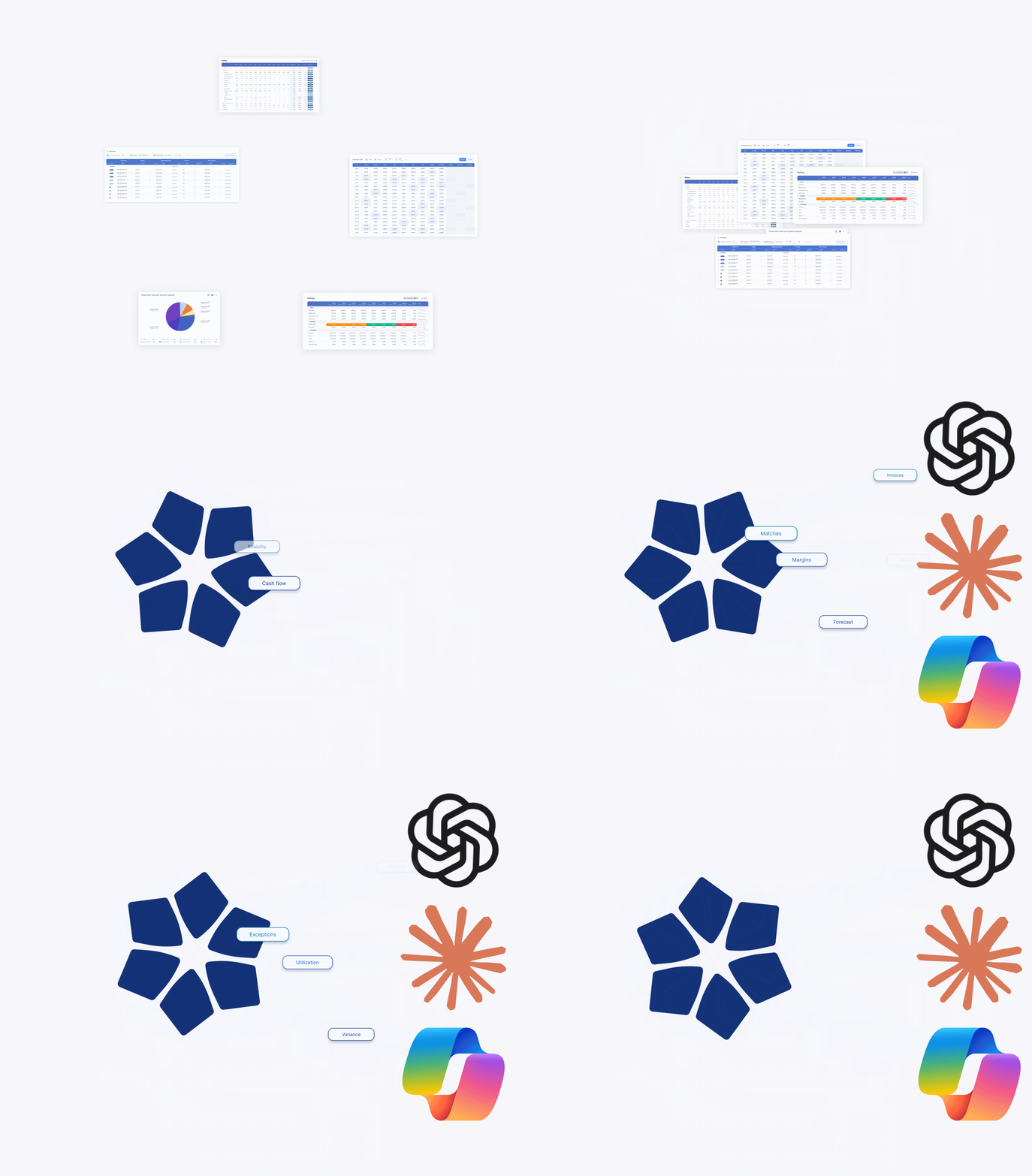
Talk to your financial data like you talk to your finance team
Get answers about your financial performance in seconds, right where you already work. BrightAnalytics MCP is plug and play: connect the AI tool you already use in a few clicks, ask your question, and get an answer built on the same validated numbers you see in BrightAnalytics.
What is MCP?
Model Context Protocol (MCP) is an open standard that lets AI tools like ChatGPT and Claude connect to other software and use its data. In practice, it means your AI tool can look up the real answer instead of guessing.
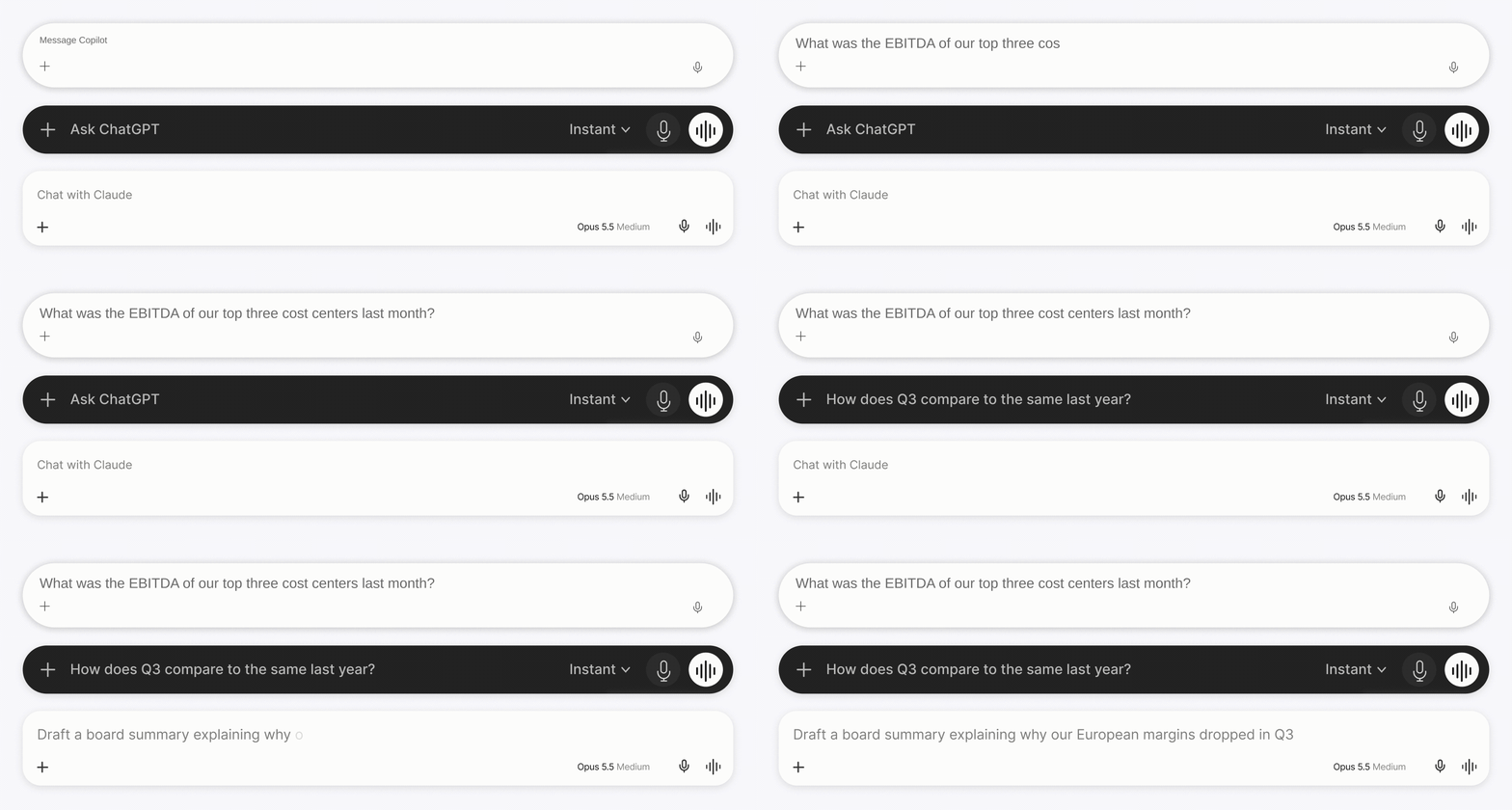
Think of it as having a business controller available in your AI tool. Ask why margins dropped in Europe, which cost centers went over budget, or how this quarter compares to last year, and you get an answer based on your live, consolidated numbers in BrightAnalytics.
Ask, analyze, report
BrightAnalytics already shows you how the business is performing. The MCP adds a conversation on top, so you can go from a number to a finished piece of work without switching tools.
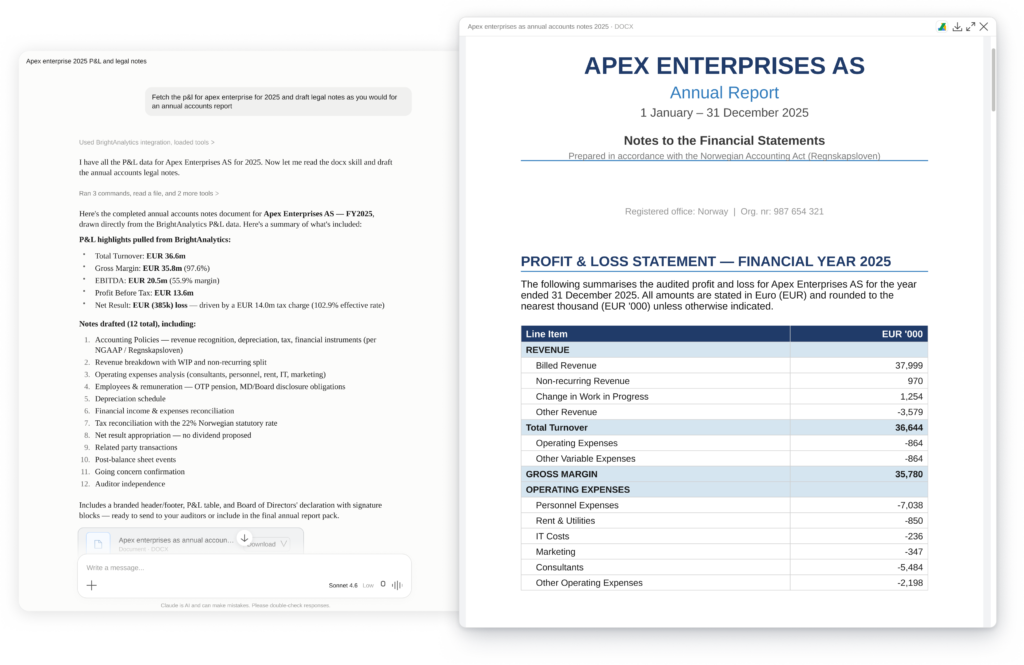
Draft board reports and management summaries
Let your AI tool write the first version of memos and board updates, based on your actual BrightAnalytics numbers.
Combine it with other sources
Bring your financials into the AI tools your team already uses and look at them next to data from other systems in your tech stack.
Ask ad hoc questions
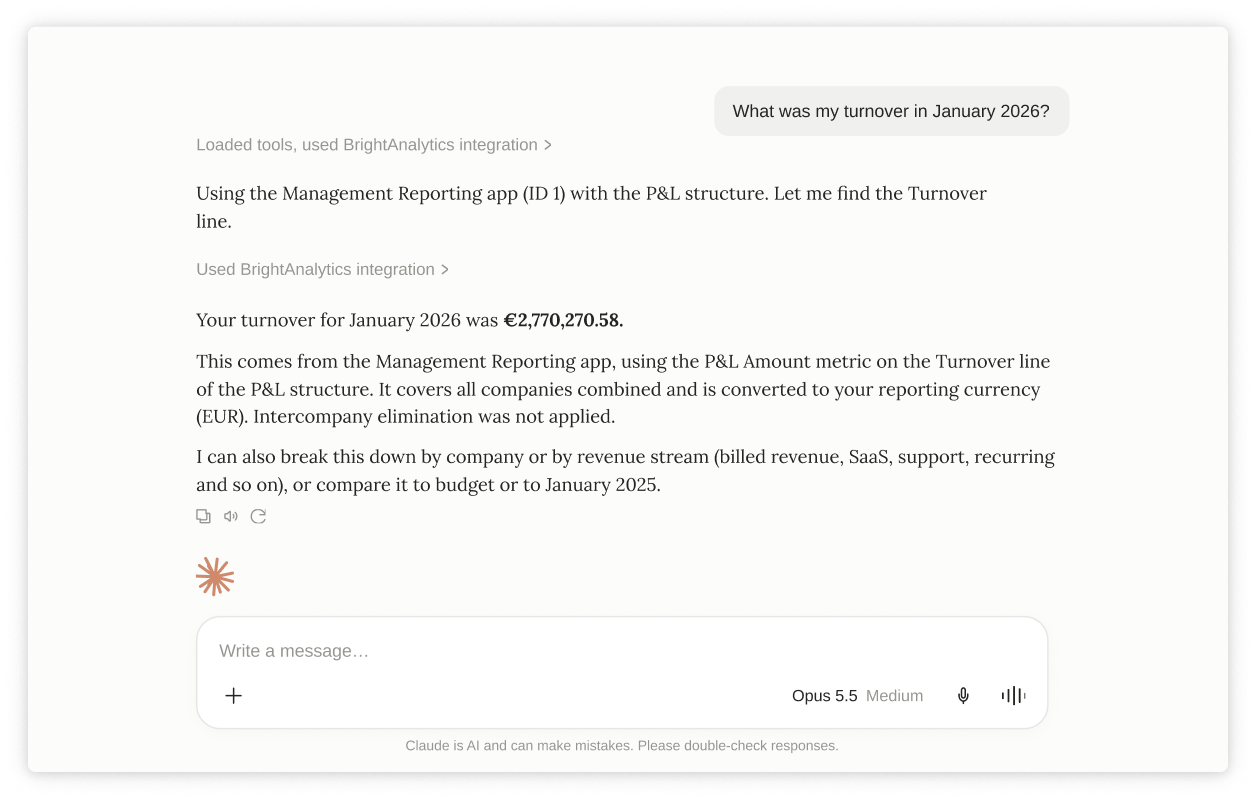
Type “What was the EBITDA of our top three cost centers last month?” and get the answer, broken down by company or customer if you need it.

Build tables and breakdowns on the spot
Need a specific cut of the data for a meeting in an hour? Just ask your AI to fetch the details and instantly format them into a quick summary, right where you work.
See it in action

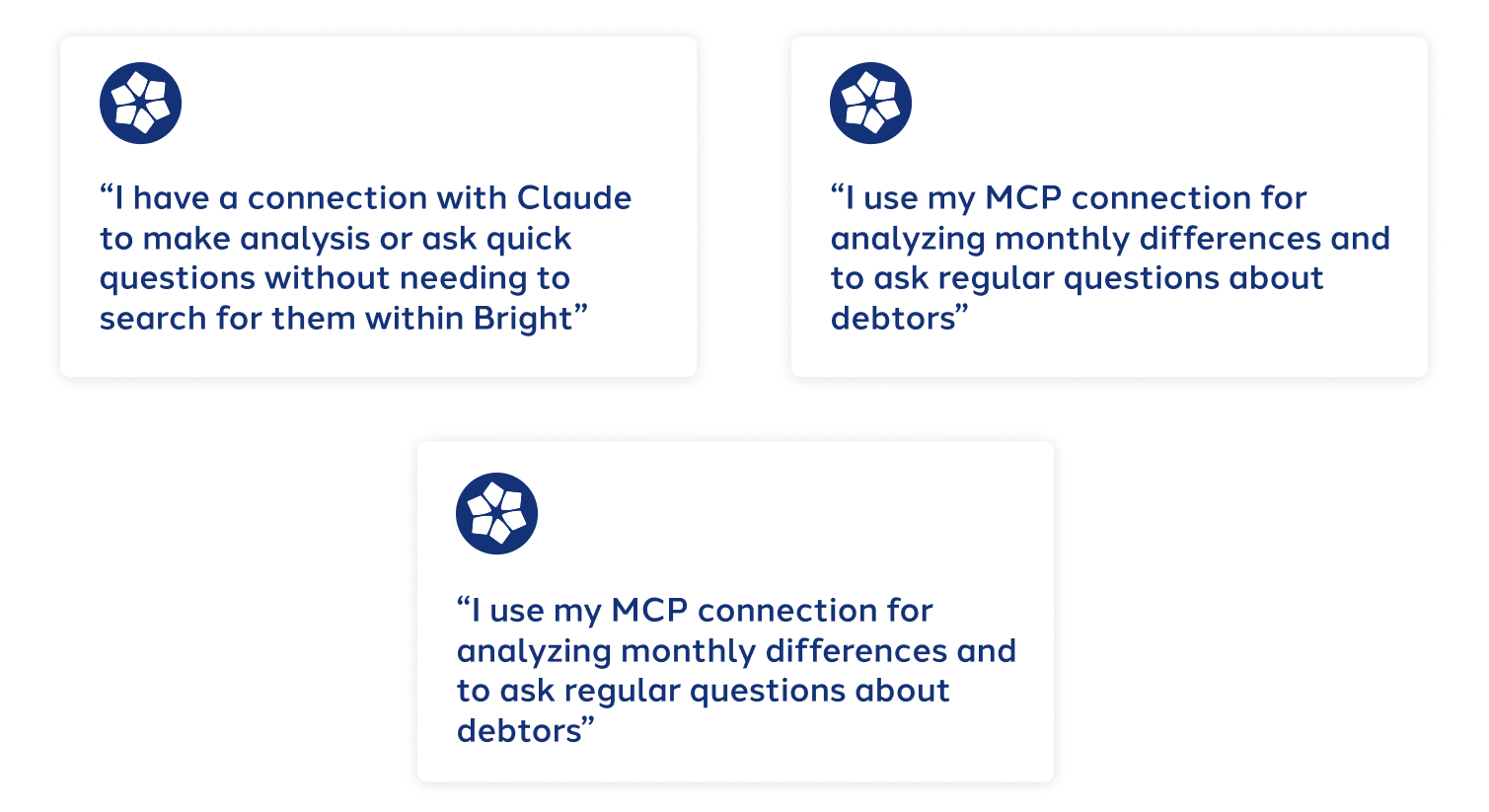
Hear it from our users
No prompt engineering needed
Most MCP connections leave the setup work to you. Before the AI tool can answer anything, you have to explain how your data is structured, what your periods mean, and where to look. That usually means long, detailed prompts.
BrightAnalytics MCP skips that step. It already knows your business context, so you can ask the way you’d ask a colleague. Ask “What was my turnover this quarter?” and it finds the right P&L and balance sheet data on its own. No configuration files, no prompt templates. It’s ready to play the moment you connect.
One source of truth for every AI tool
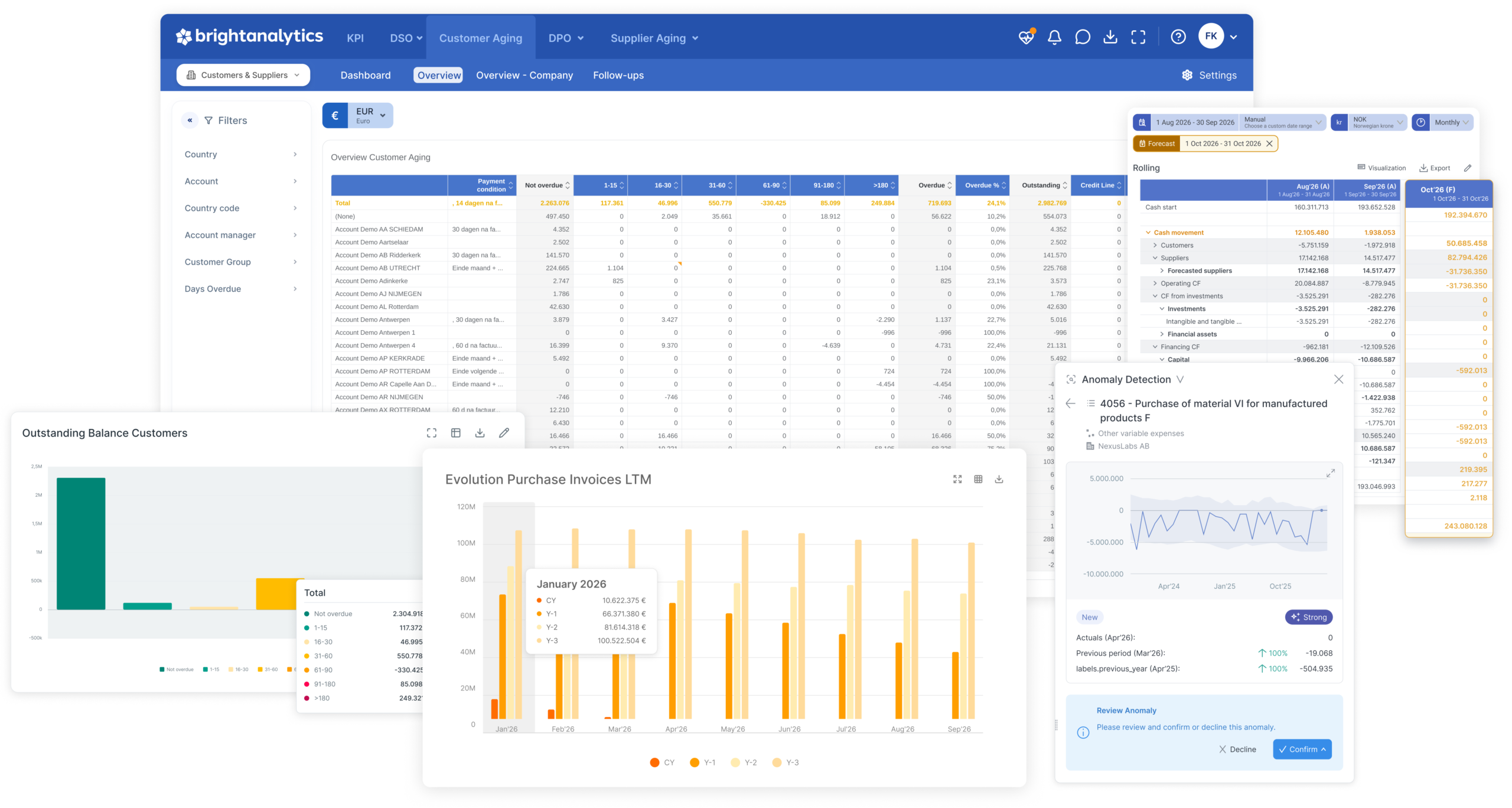
Whether your team uses Claude, ChatGPT, or another AI tool, everyone works from the same financial data as the rest of BrightAnalytics. Faster answers don’t come at the cost of accuracy.
- One data structure: Every general ledger (GL) account from your enterprise resource planning (ERP) systems, legacy systems, and finance apps is already mapped into one structure. There’s only one connection to set up.
- Same numbers as your reports: Currency translations, intercompany eliminations, and custom allocations are already done in BrightAnalytics. Your AI tool doesn’t redo the math, so its answers match what you see in the platform.
- Your permissions still apply: The MCP follows your existing BrightAnalytics user permissions. You only see the data you’re allowed to see, whichever AI tool you use.
Ask your first question
Connect your AI tool in a few clicks and see what your financial data has to say.
- Who is BrightAnalytics?
BrightAnalytics is a growing technology company. Our goal is to help companies streamline their management reporting processes.
- What is BrightAnalytics?
BrightAnalytics is the most intuitive, reliable and fast management reporting platform that covers all needs on management reporting and consolidation.
- How does BrightAnalytics work?
- Connect: BrightAnalytics connects with accounting, ERP and CRM systems, and centralises all data in the BrightAnalytics platform.
- Report: The standard templates in BrightAnalytics are immediately ready for use, but can be fully tailored to suit one’s needs.
- Analyse: The management reports and dashboards offer a wealth of information and immediately provide clear insight into the figures of the entire organisation.
- Engage: The clear reports contribute to a better streamlined business strategy and execution, and ensure transparency within the company.
- How do I connect BrightAnalytics to my package?
With our BrightSync we connect to more than 400 data sources. One of the biggest USP’s of the solution is our possibility to connect with every system.