
Financial closing
BrightAnalytics helps you run your month-end close on validated data, with balanced ledgers and locked periods in one workspace.
Close with confidence, not a checklist of manual tasks
A close shouldn’t depend on someone remembering to check whether the data still matches the source system. BrightAnalytics keeps your data validated and your close auditable by default, so your team spends the close explaining numbers instead of chasing them down.
Overview
From nightly data sync to the final locked period, these are the tools that keep your close on track.
Nightly health checks and data validation
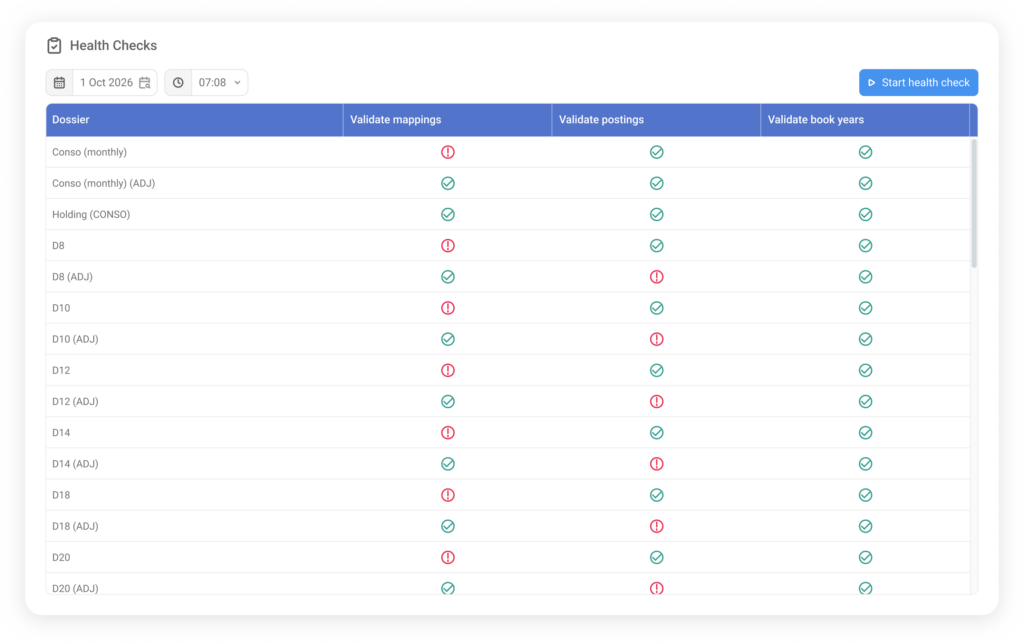
Your data syncs with source systems every night. Automatic health checks alert you instantly if new GL accounts need mapping, so you never start a close with missing numbers.
Sub-ledger to GL balancing
Verify that your Accounts Receivable, Accounts Payable, and cash balances match your main General Ledger automatically, catching discrepancies before you start closing.
Closing workspace and period locking
Assign closing tasks, track progress across entities, and lock approved periods so late ERP edits can’t alter finalized numbers behind your back.
Audit logs and user logs
Role-based permissions and audit logs give you a clear record of who changed what, with access that can be restricted to specific consolidation groups or approved periods.
Data load monitoring
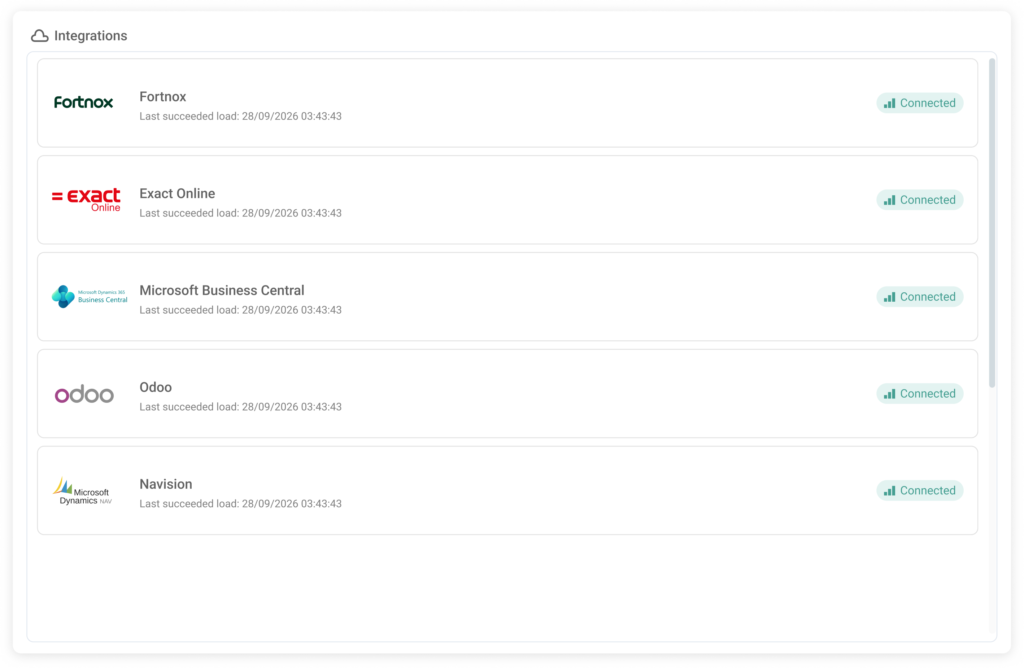
Refresh data on demand at any point during the close to check the latest result against the most recent accounting entries, without waiting for the next scheduled sync. You can also post provisions directly in the platform to finalize numbers without touching your ERP.
Intercompany heat map
See at a glance where intercompany balances don’t match across your entities. Click into any cell to drill down to the transactions behind the imbalance, so you know where to look before you start reconciling.
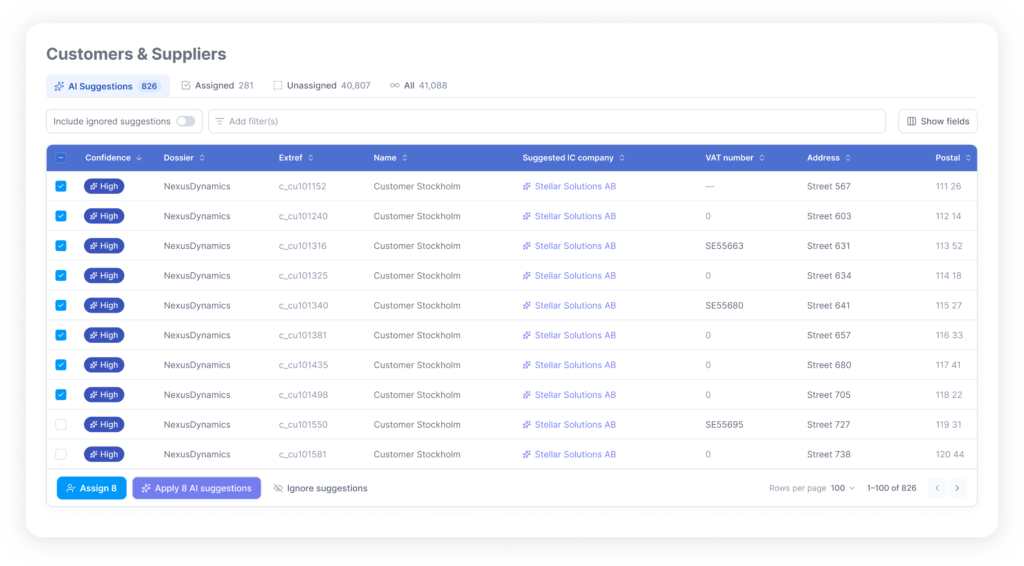
Advanced AI intercompany matching
BrightAnalytics AI reads through your entities transactions and flags which ones are intercompany, like your Danish entity invoicing your Nowiegen one, with no tagging needed in the source systems. It matches them, shows the likely reason behind any imbalance, and eliminates the balances once you confirm.
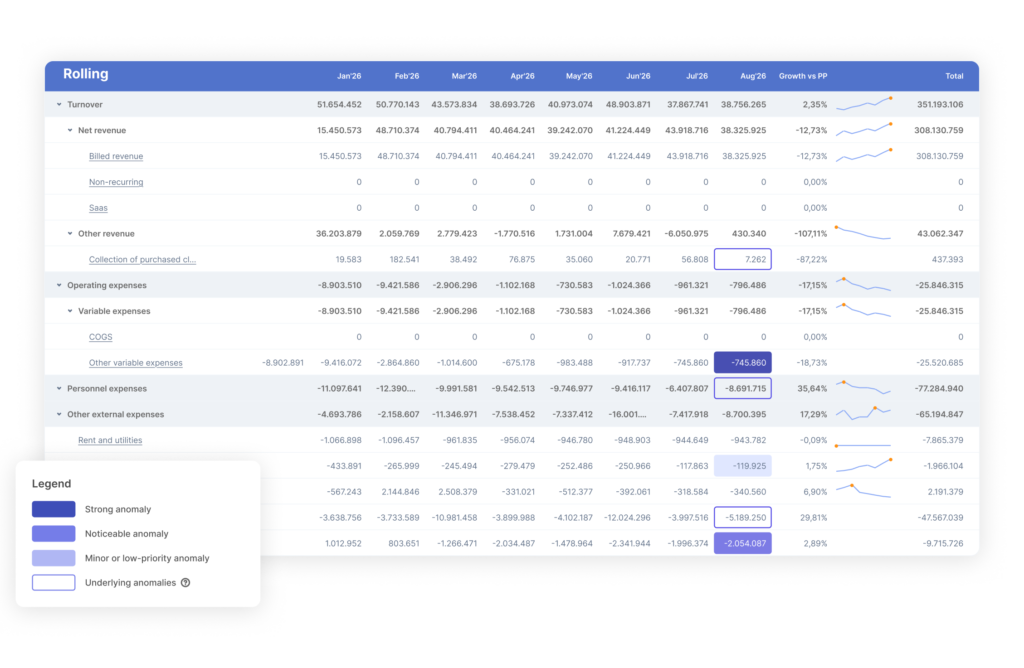
Advanced flux analysis
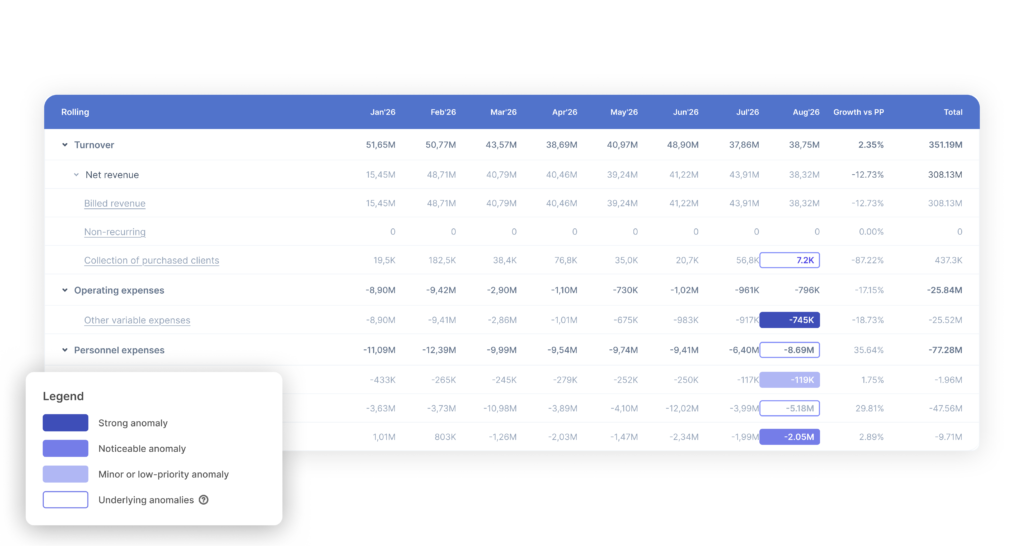
Compare balances against historical periods and budget, and get the unusual movements flagged with their likely cause, whether that’s a missing invoice or a typing error, before they reach your desk.
Discover our apps



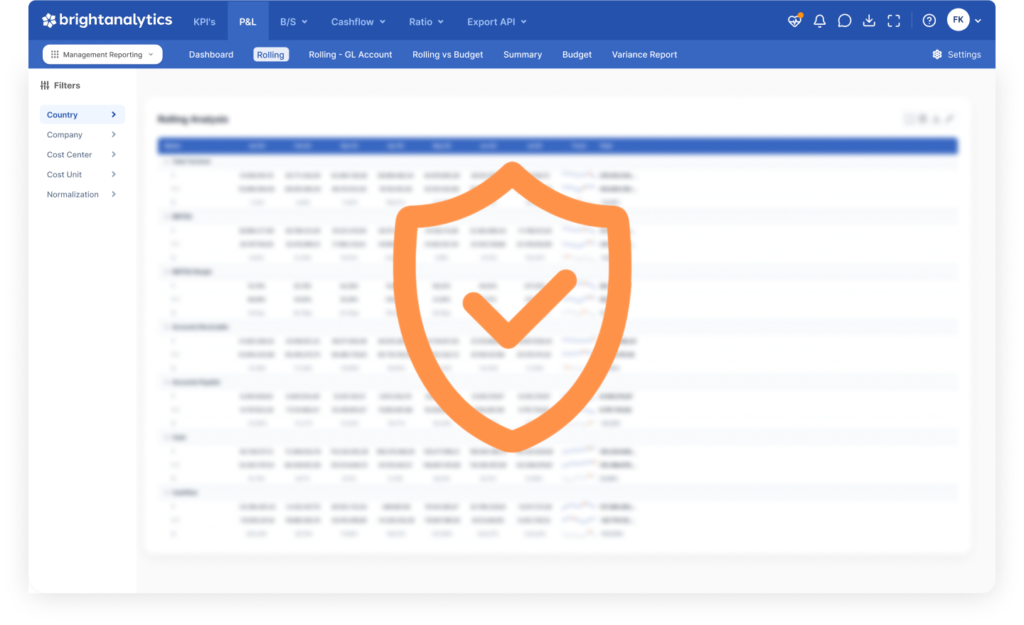
Security and technology. Bright priorities.
Data security shouldn’t keep you up at night. We protect your numbers every single day through our people, technology, and continuous processes.
- Audit logs track every action, so you always know who changed what.
- Role-based permissions let people see and edit only what’s relevant to their role, down to specific sub-consolidation groups.
- Lock actuals and approve periods so nothing can change in a closed consolidation.
- Our AI features run strictly on internal infrastructure, which means none of your numbers ever go to a third party.


- Who is BrightAnalytics?
BrightAnalytics is a growing technology company. Our goal is to help companies streamline their management reporting processes.
- What is BrightAnalytics?
BrightAnalytics is the most intuitive, reliable and fast management reporting platform that covers all needs on management reporting and consolidation.
- How does BrightAnalytics work?
- Connect: BrightAnalytics connects with accounting, ERP and CRM systems, and centralises all data in the BrightAnalytics platform.
- Report: The standard templates in BrightAnalytics are immediately ready for use, but can be fully tailored to suit one’s needs.
- Analyse: The management reports and dashboards offer a wealth of information and immediately provide clear insight into the figures of the entire organisation.
- Engage: The clear reports contribute to a better streamlined business strategy and execution, and ensure transparency within the company.
- How do I connect BrightAnalytics to my package?
With our BrightSync we connect to more than 400 data sources. One of the biggest USP’s of the solution is our possibility to connect with every system.